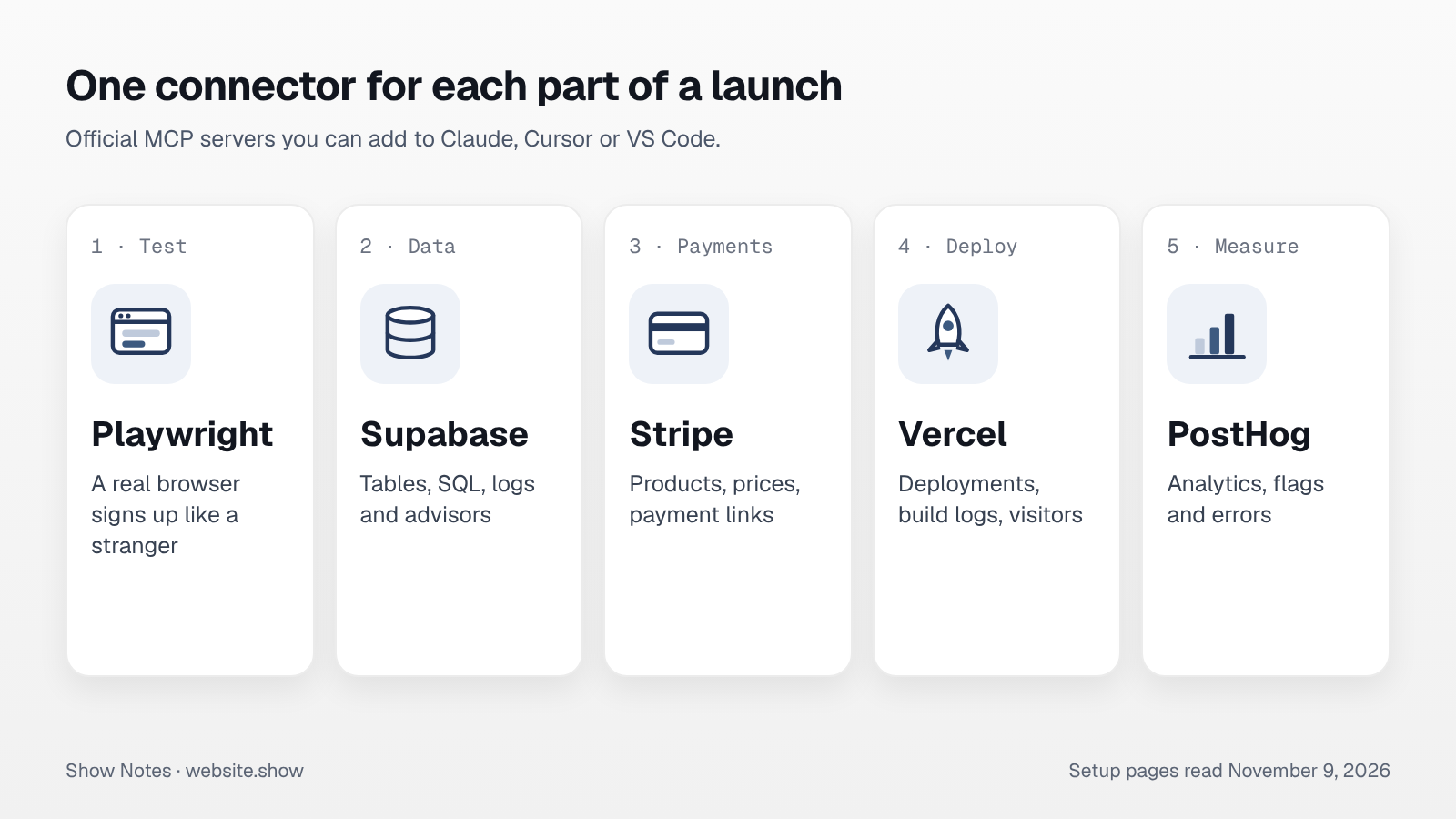
A connector, or MCP server, lets an assistant like Claude use one of your tools directly instead of asking you to copy and paste. For a small product, five of them cover most of the work around a launch: testing the site, the database, payments, deploys and analytics.
All five below are official servers from the companies behind the tools, and they also work in other MCP clients, such as Cursor. We read each setup page on November 9, 2026. Where a page does not state a price or a license, we say so instead of guessing.
How do you add a connector to Claude?
In Claude Code, one command adds a remote server, and /mcp signs you in. In the Claude app, you add it under Settings, then Connectors. Vercel's guide notes that custom connectors in the Claude app are available on the Pro, Max, Team and Enterprise plans.
claude mcp add --transport http vercel https://mcp.vercel.comFour of the five servers here are hosted, so you only paste an address and approve access in the browser. Playwright runs on your own machine.
Playwright MCP: test your site like a stranger
Playwright MCP, from Microsoft, gives the assistant a real browser. By default it reads the page through the accessibility tree rather than screenshots, so it clicks buttons and fills forms by their labels. A --vision mode uses screenshots and coordinates instead, for models that work from images.
It runs locally with one command, and there is no account to create:
npx @playwright/mcp@latestThe launch use is the test our launch checklist asks you to do by hand: open the homepage in a fresh browser, sign up with a new address, reach the first useful result, and report every step that broke or confused it.
Supabase MCP: ask your database questions
Supabase's server connects at https://mcp.supabase.com/mcp and signs you in through the browser. It can list tables, run SQL, apply migrations, read project logs, generate TypeScript types and deploy Edge Functions. It also returns Supabase's security and performance advisors for the project.
Supabase's own guide is direct about the risk. The server runs with your developer permissions, so it says not to give it to customers, and to "connect to a production project only when the task requires production evidence." It recommends scoping the server to one project and using read-only mode, which runs SQL as a read-only Postgres user. Database branching through the server requires a paid plan; the page gives no other price.
Stripe MCP: products, prices and payment links
Stripe's server lives at https://mcp.stripe.com and connects with OAuth. It can search Stripe's documentation, read and write through the Stripe API, and create the things a launch needs: products, prices, payment links, coupons and webhook endpoints. Some actions, such as creating a refund, wait for you to approve them in the Stripe Dashboard first.
Two details matter before launch day. You can grant access to a sandbox and to live mode separately, so let the assistant build everything in the sandbox. And Stripe says that from December 2026, after a November 30 deadline, the server stops accepting full-access secret keys and restricted keys without the Agent tag. If you connected with a key, switch to OAuth or a new agent key.
Vercel MCP: deploys, logs and visitors
Vercel MCP connects at https://mcp.vercel.com with OAuth and, in Vercel's words, "is available on all plans." It searches Vercel's documentation, manages projects and deployments, reads deployment logs and queries Web Analytics for visitors and page views.
That makes it useful the moment a deploy fails at night: ask why, and the assistant reads the build log instead of you pasting it. Vercel warns that connecting gives the assistant the same access as your Vercel account, and recommends keeping human confirmation on for every change.
PostHog MCP: what visitors did after launch
PostHog describes its server as "a free, hosted endpoint" at https://mcp.posthog.com/mcp, and npx @posthog/wizard mcp add sets it up. It answers analytics questions, runs SQL queries, manages feature flags and experiments, and reads error stack traces.
Calling the tools is free, but PostHog notes that some of them use AI models internally and may count as PostHog AI spend. Those only work when AI data processing is turned on in your organization settings. For a launch week, the useful questions are simple: where did the people who signed up come from, and where did the others leave. Our guide to your first 100 users covers what to do with the answers.
How do you keep connectors safe?
Treat each one as a person with your password. Every server above acts with your own permissions, and three of the five pages warn about the same problem: a page or document the assistant reads can contain instructions meant to misuse those permissions.
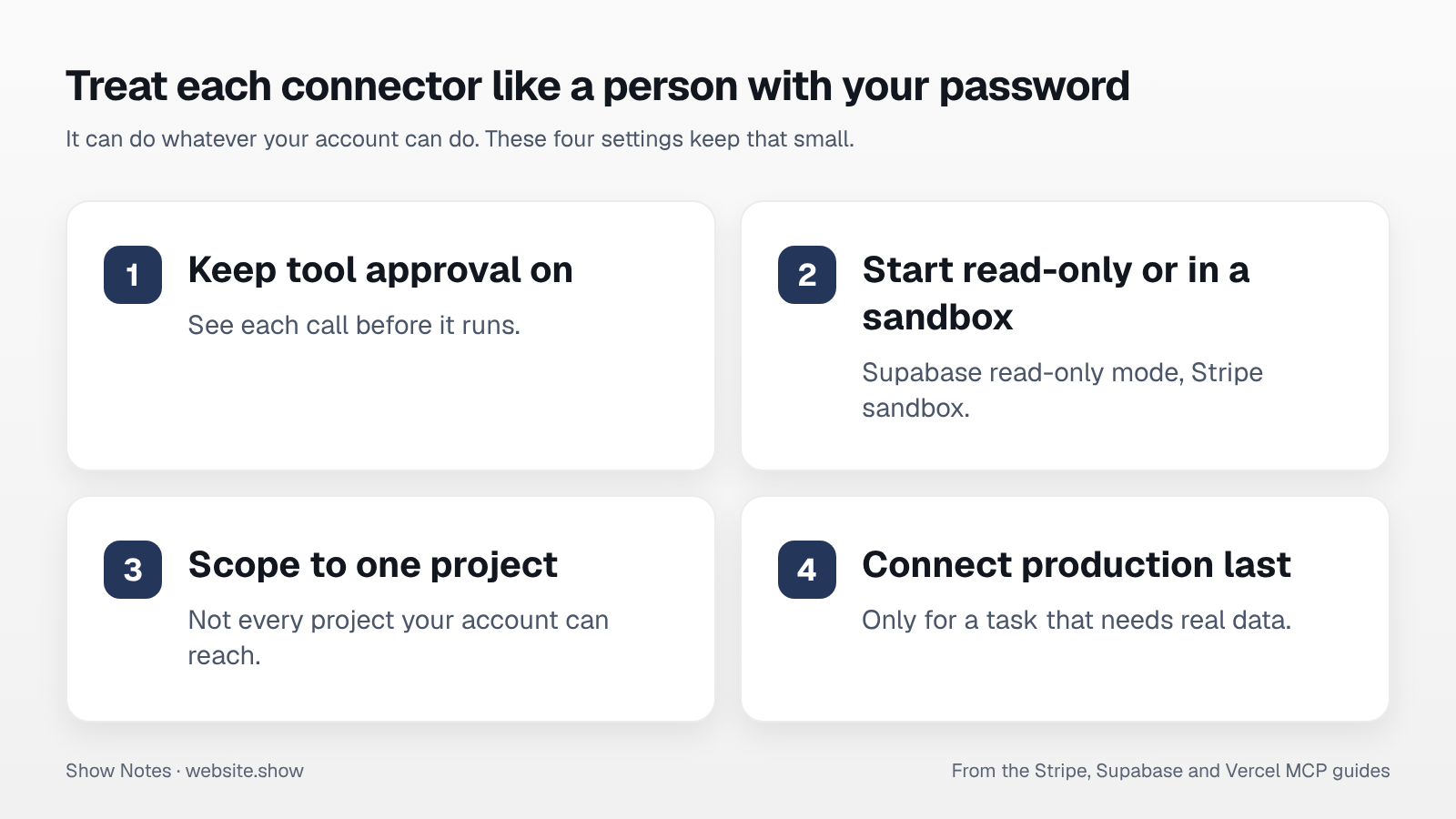
- Keep tool approval on, so you see each call before it runs. Three of the five guides recommend it.
- Start narrow: Supabase's read-only mode and project scope, Stripe's sandbox, one Vercel project.
- Connect production last, and only for a task that needs real data.
- Check the address before you approve access. Use the vendor's own URL, not one copied from a directory.
Which ones should you add first?
Start with the one that saves you the most copying this week. Before launch, that is usually Playwright, for testing sign-up end to end, and Stripe in sandbox mode, for setting up products and payment links. In the first week, Vercel and PostHog answer "is it up" and "who came". Supabase is the one to add with the most care, in read-only mode first.
None of them replaces the checks a crawler sees. Our free site check still tells you whether search engines and AI crawlers can read your homepage, and our robots.txt guide covers the bots that decide whether assistants can quote you.
FAQ
What is an MCP server?
It is a program that gives an AI assistant tools from another service, using the Model Context Protocol, an open standard. Claude, Cursor, VS Code and ChatGPT can all connect to the same server, so one setup works across them.
Are these connectors free?
PostHog calls its server free, Vercel says its server is available on all plans, and Playwright runs on your own machine. Supabase and Stripe do not list a price for the server itself; you pay for the service as usual, and Supabase's branching needs a paid plan. In the Claude app, custom connectors need a paid Claude plan.
Can a connector break my production site?
It can do whatever your account can do, so yes, if you let it. Keep tool approval on, start with read-only or sandbox access, and connect production only for a task that needs it.
Sources
- Playwright MCP README, Microsoft, read November 9, 2026
- Supabase MCP Server, Supabase docs, read November 9, 2026
- Model Context Protocol, Stripe docs, read November 9, 2026
- Use Vercel MCP, Vercel docs, updated September 15, 2026
- Model Context Protocol, PostHog docs, read November 9, 2026