
Developer tools

Convert JSON to CSV in your browser, with table preview
Verified owner
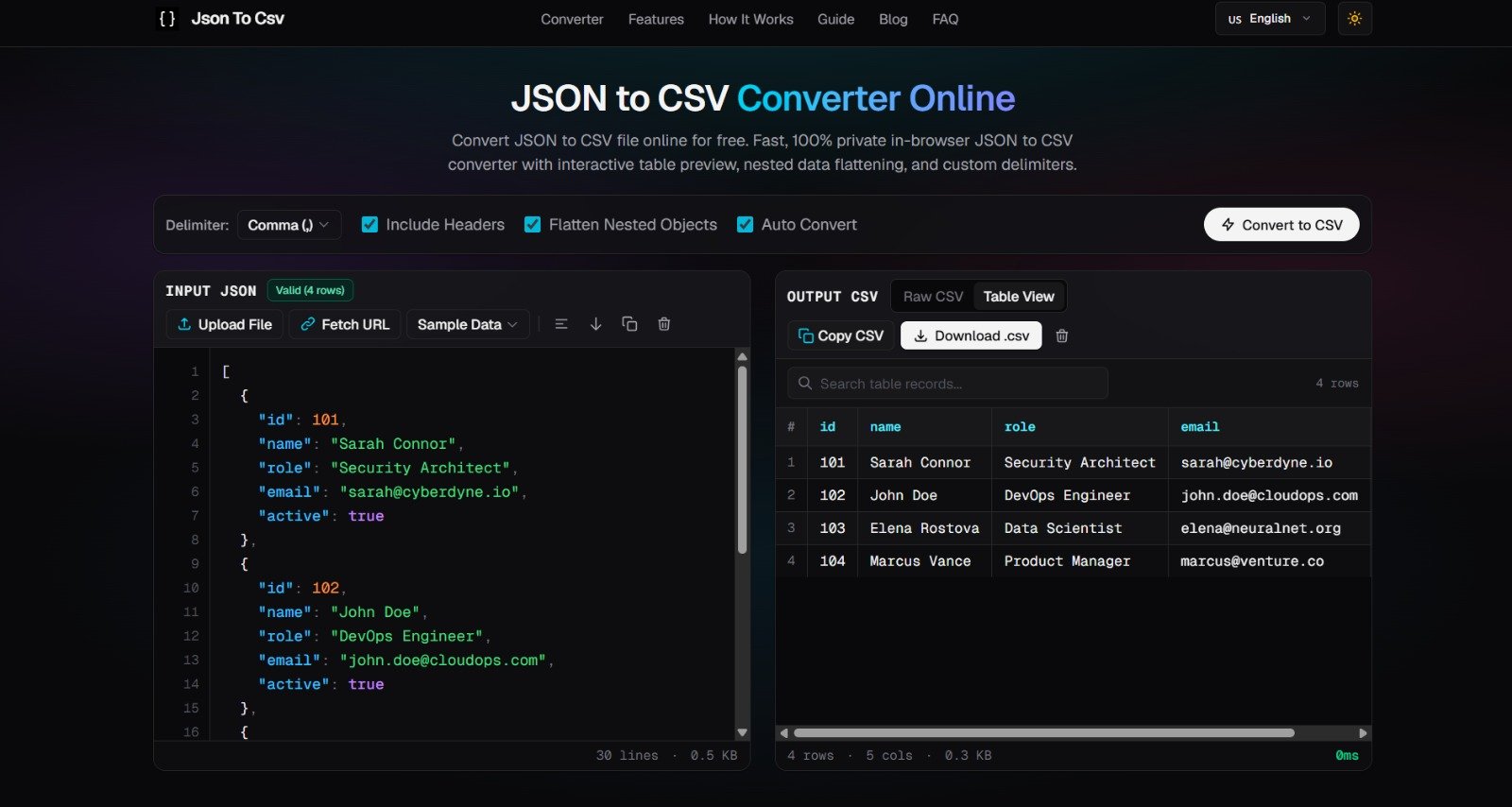
JSON to CSV Converter is a free web tool that turns JSON data into CSV files. You can paste JSON, upload a file, or fetch it from a public JSON endpoint URL. Sample datasets are included for trying it out.
Conversion runs entirely in the browser, so data is not uploaded to a server or stored. Before exporting, you can inspect the result in an interactive table with column sorting and search filtering, or view the raw CSV. The output can be copied to the clipboard or downloaded as a .csv file.
Options include choosing the delimiter (comma, semicolon, tab or pipe), including or omitting a header row, flattening nested objects into columns, and converting automatically as you type. The input editor offers syntax highlighting. It is aimed at developers, data analysts and spreadsheet users who need a quick, private conversion.
No. Parsing, conversion and table rendering happen in your browser's local memory, and nothing is stored on a server.
Yes. The Flatten Nested Objects option turns nested objects into flat columns in the CSV.
Comma, semicolon, tab and pipe.
Paste it into the input, upload a JSON file, or fetch it from a public JSON endpoint URL.
How jsontocsvfree.com reads to AI assistants and search engines, measured on its public homepage.
85/100Website Show Score
For AI assistants5 of 7
For search engines6 of 8
Checked on jsontocsvfree.com by WebsiteShowBot, engine v0.1.0. It measures technical and content signals that affect how AI assistants and search engines read a site, not whether they mention or recommend it: an automated measurement, not a rating or an endorsement. The site’s owner can hide it or check again from the listing’s management page.

Ship your vibecoded app with one command, production-ready for real users. No
Developer tools

Curated, categorized directory playbooks and a local dashboard for your AI agent
Developer tools

Own this site? Request removalSomething wrong here? Report it